Authorization
Open the link sml.aws.npshopping.com The warehouse employee receives the login and password to access the service from the System Administrator.
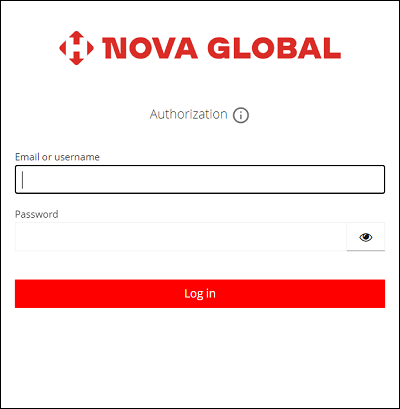
To log in, do the following:
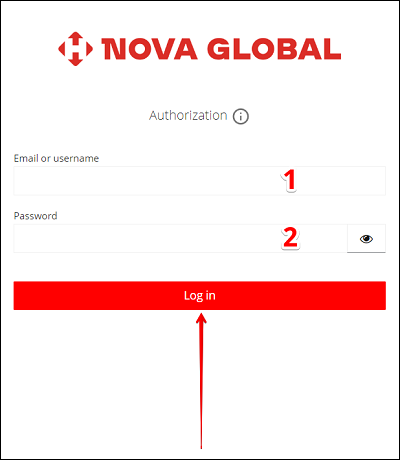
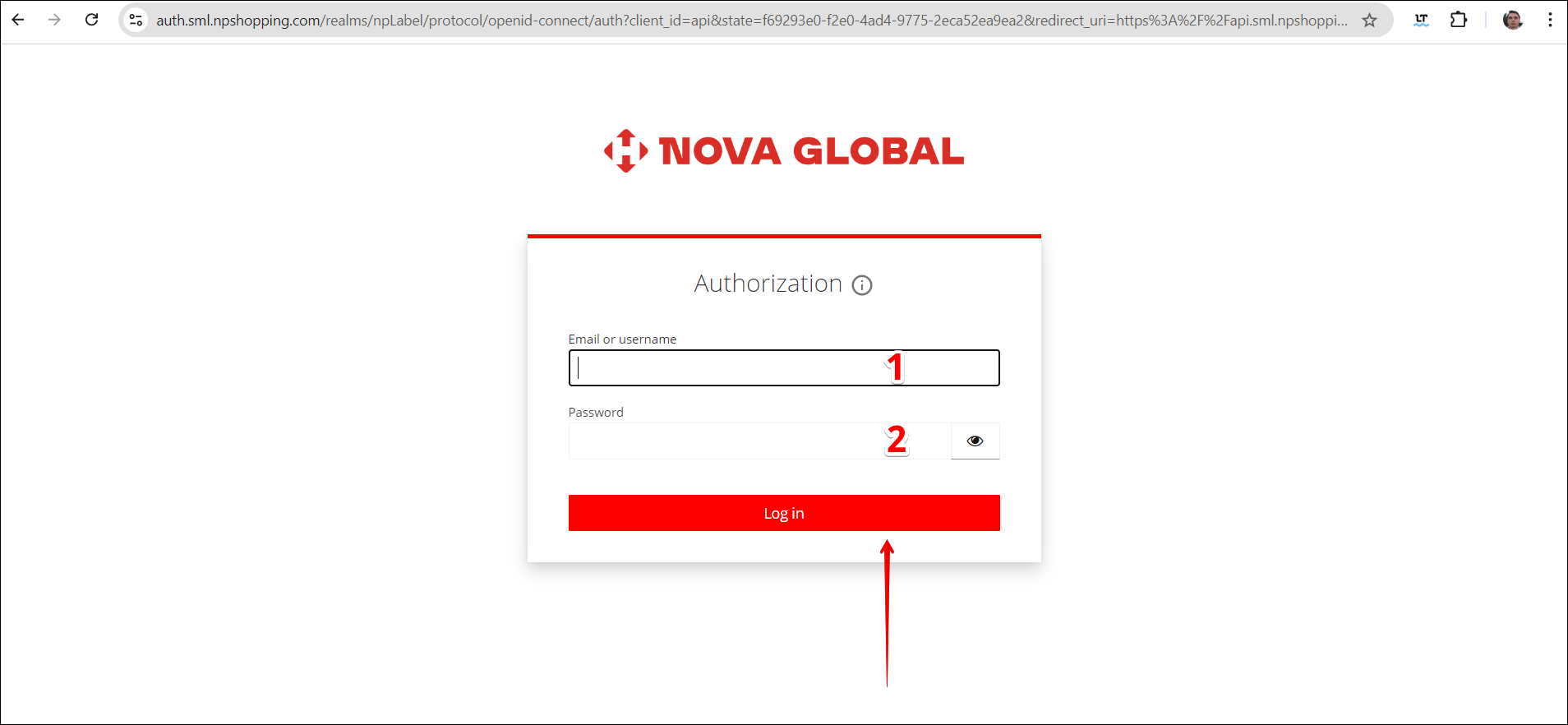
| # | Action |
|---|---|
| 1 | Please enter Email or Username |
| 2 | Enter Password |
Click on the Log in button.
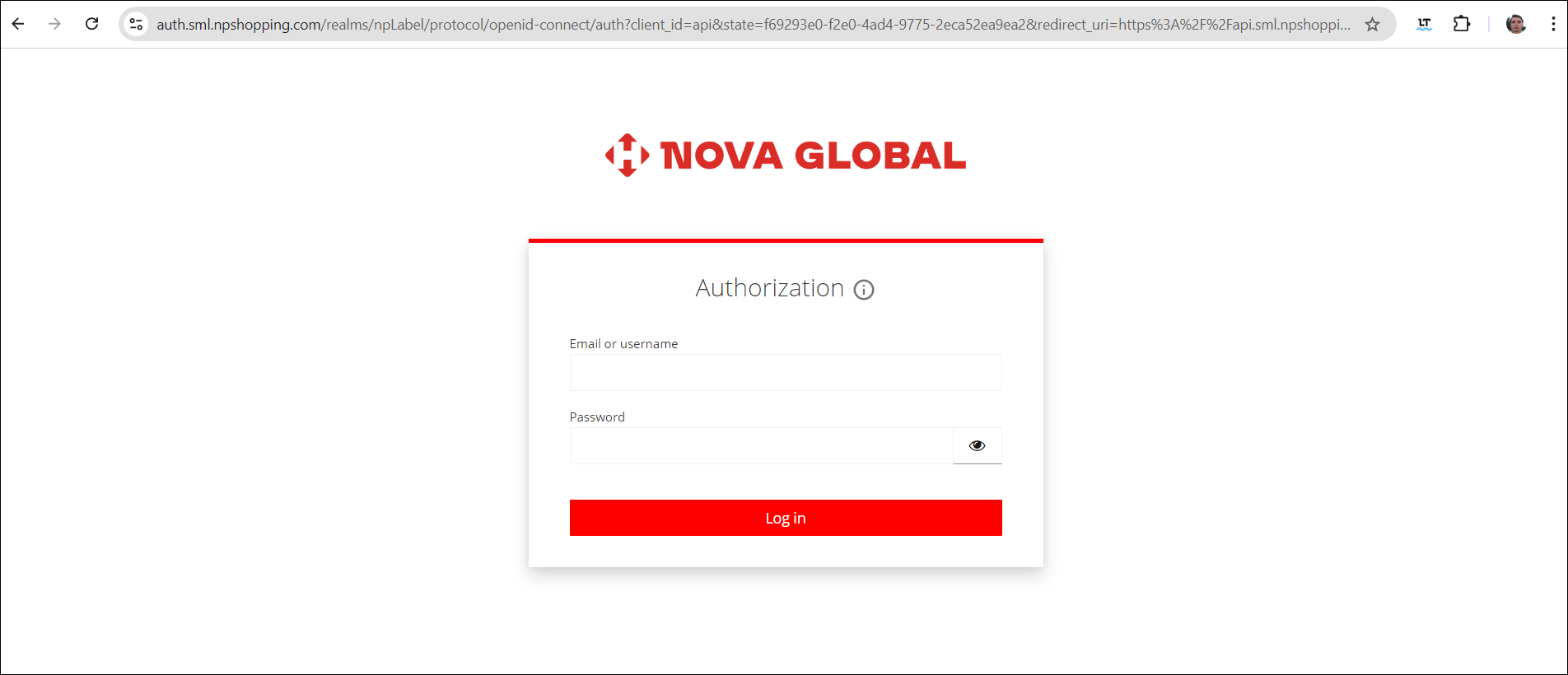
After authorization, the warehouse employee sees a list of parcels. They appear if:
- The sender could not immediately identify the recipient;
- The customer did not register the parcel on their own.
Attention!
In case of access loss, you must contact System Administrator to receive a new password (or login and password)